
livepython.net
CHAPTER 03Programmer Mindset
3.1  MINDSET

What Is a Programmer Mindset? How Programmers Think

How Programmers Think

You've written your first programs. Before we add more Python, let's look at something even more important: how programmers think.

A programmer mindset is not about memorising code. Nobody remembers every command, not even experts. They look things up all the time. What makes someone good at programming is the way they think about problems.
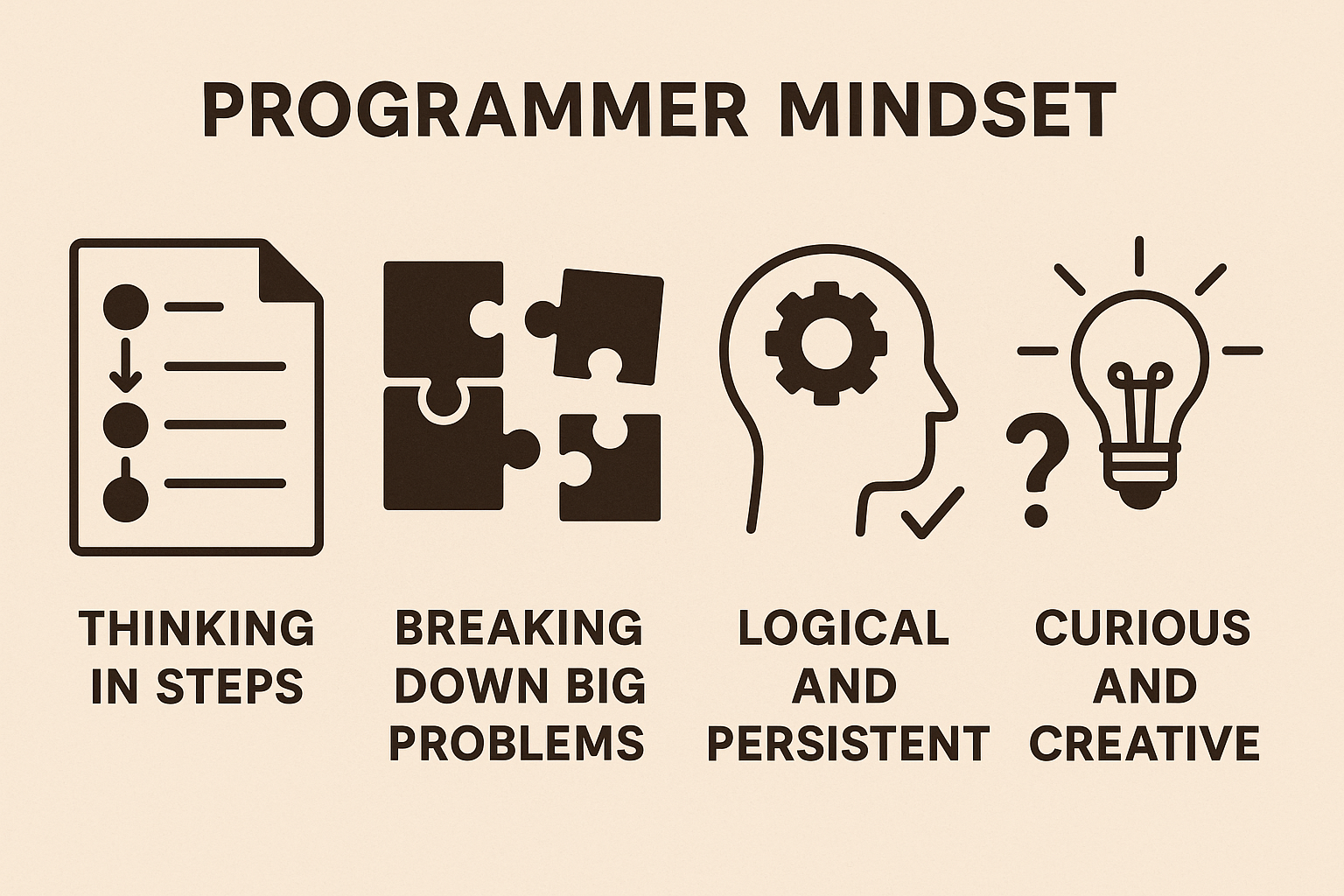
Programmer mindset: thinking in steps, breaking down big problems, being logical and persistent, and being curious and creative.

Programmers are:

  • Thinking in steps. Like a recipe or directions to a friend's house, every task becomes small, clear steps in order.
  • Breaking down big problems. A big problem feels scary. Split into small pieces, each piece is easy.
  • Logical and persistent. They think about why something happens, and they keep trying when it doesn't work the first time.
  • Curious and creative. They ask "what if?" and try things out. Every challenge is a chance to discover something new.

The good news? None of this is a talent you're born with. It's a habit, and habits grow with practice. Every lesson and every question in this course trains this way of thinking, a little at a time.

Here's a sentence to remember for the whole course:

If you can explain your solution in words, you can turn it into code.

your turnPick the right idea

What matters most when you learn to code?

Think about it, then pick one.

Break Big Problems Into Small Steps

Big problems feel hard because you try to solve everything at once. Programmers don't. They break the problem down into small pieces, and solve one piece at a time.

An example: a birthday card program

Say your task is: "Write a program that shows a birthday card for Sunny." Where do you start? Break it down:

  1. Show a line of stars at the top.
  2. Show the greeting: "Happy Birthday, Sunny!"
  3. Show a short wish.
  4. Show a line of stars at the bottom.

Now each step is tiny, and you already know how to do every one of them with print():

PYTHONedit me
print("*" * 24)
print("Happy Birthday, Sunny!")
print("Have a great year!")
print("*" * 24)
OUTPUT
************************
Happy Birthday, Sunny!
Have a great year!
************************

See how it worked? The big task "make a card" was hard to start. Four small steps were easy.

How small is small enough?

Keep breaking a step down until you know exactly how to do it. If a step still makes you think "hmm, how?", it's too big. Split it again.

This works for everything: a homework project, cleaning your room, or a huge app. Real programs with millions of lines are built exactly like this, one small piece at a time.

Stuck on a big problem? Break it into smaller steps until each one is easy.

your turnOrder the lines

Put the steps of the card in order

  1. print("*" * 10)
  2. print("-" * 10)
  3. print("Hi Rocky!")
  4. print("See you soon")
These lines are mixed up. Put them back in order, then press Check.

Be Exact: Computers Take You Literally

Ask a friend to "make a sandwich", and you'll get a sandwich. Ask a robot, and you might get nothing at all. Why? The robot doesn't know what "make a sandwich" means. It needs exact steps:

Step 1: Take two slices of bread.
Step 2: Spread butter on one side of one slice.
Step 3: Add the filling on the butter.
Step 4: Place the other slice on top.

Computers are like that robot. They do exactly what you write, nothing more and nothing less. They never guess what you meant.

Vague vs exact

Vague (a person understands)Exact (a computer understands)
"Show a nice greeting"print("Hello, Sunny!")
"Make a line"print("-" * 20)
"Put the items in a row"print("tea", "milk", "bread", sep=", ")

You've already seen this in action. print works, but Print doesn't. "Hello" is text, but Hello is an unknown name. One small difference, and the computer does something else, or stops.

Why this is good news

Being exact sounds strict, but it makes computers predictable. The same code gives the same result every time. If something goes wrong, it's not random: there's a reason, and you can find it.

So when you write steps, ask: "Could a robot follow this without guessing?" If not, make the step more exact.

Computers don't guess. Write every step so clearly that nothing is left to guess.

your turnPick the right idea

Which instruction is exact enough for a computer?

Think about it, then pick one.

How to Learn Programming Well

Learning to code isn't about being perfect. It's about being consistent, curious and clear. These habits make the biggest difference:

1. Understand, don't memorise

Don't try to remember every keyword. Focus on why something works. Once you understand the idea, the syntax comes naturally, and you can always look it up.

2. A little every day

Fifteen to thirty minutes a day beats three hours once a week. Short, regular practice keeps your brain in "coding mode", and ideas stick.

3. Type the code yourself

Copying and pasting is fast, but your fingers and brain learn more when you type. And always experiment: change a word, add a line, break it on purpose, and see what happens.

4. Explain it in your own words

If you can explain what a line does to a friend, you understand it. If you can't, read the lesson again. Later, in the Comments chapter, you'll learn to write these explanations right inside your code.

5. Be patient and kind to yourself

You'll get stuck, confused, and sometimes frustrated. That's okay: it means you're learning something new. Every programmer you admire felt the same at the start.

Coding isn't about being smart. It's about being clear and persistent.

your turnPick the right idea

Which habit helps you learn the most?

Think about it, then pick one.
your turnPredict the output

What will this print?

print("tea", "milk", "bread", sep=", ")
Your turn! What will this code show on the screen?